
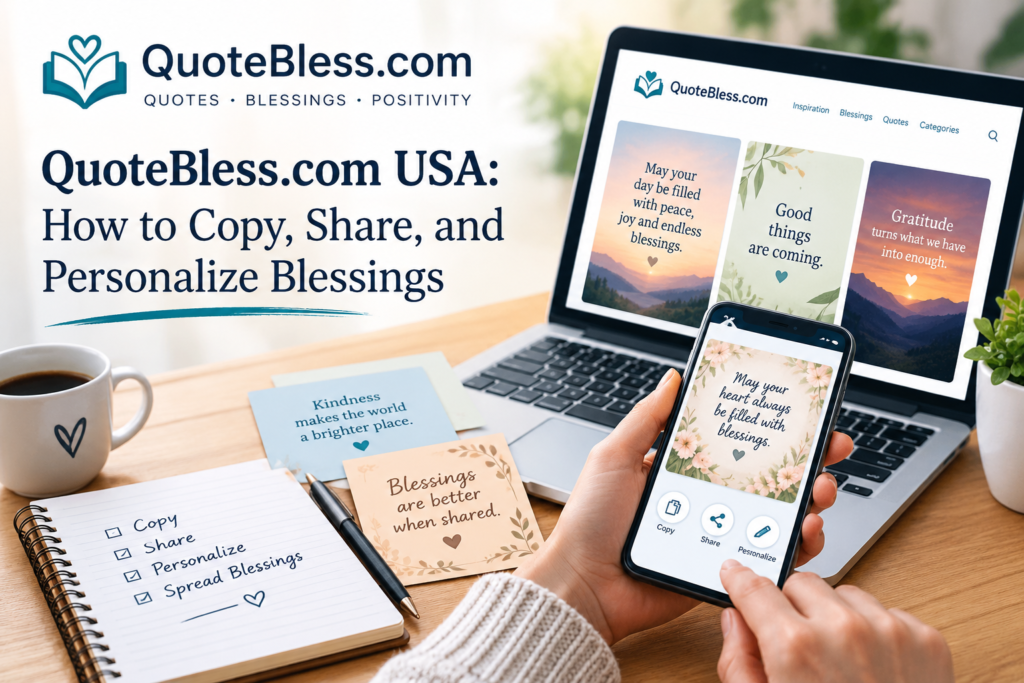
A birthday you almost forgot. A rough week for a friend. A blank text box and no idea what to say. That’s the moment most people open QuoteBless.com USA.
This guide shows how to use the site step by step. You’ll learn which section to try, how to make a copied message sound like you, and which rules to follow when you share.
How Does QuoteBless.com USA Work?
QuoteBless is a free site of quotes, blessings, and short messages. Posts are organized by moment, by person, and by feeling. Each post pairs text with an image. Two tools make sharing easy: a one-click copy button and a free image download button.
The pages reviewed mention no sign-up step. You simply browse, copy, and send.
Step by Step: From Search to Send
- Pick the moment. Decide what you need: a morning text, a thank-you, or a comfort message.
- Open the matching post. Choose a section that fits the person and the mood.
- Copy the text or download the image. Use the copy button for texts. Use the download button for pictures.
- Personalize it. Change one or two words so the message sounds like you.
- Send or post it. Share it in a chat or on your personal account, and credit the site if you can.
Pick the Right Section
| Situation | Section to Try |
|---|---|
| A morning text to family | Good Morning Blessings for Family |
| A morning text to a friend | Good Morning Blessings for Friends |
| A morning text to a partner | Good Morning Blessings for Someone Special |
| An evening goodnight | Good Evening Blessings, with 270-plus messages |
| Thanks for birthday wishes | Thank You Birthday Messages |
| A reply to a coworker | Professional Replies to Good Morning |
| A light, playful reply | Funny Responses to Good Morning |
| A long, heartfelt note | Long paragraphs, with 90-plus options |
| A message tied to a weekday | The Monday-to-Sunday collection |
Personalize in 60 Seconds
A copied message works. A personal one lands better. Use this simple formula: the name, one real detail, and one wish. Here are three quick before-and-after examples:
- Before: “May your day be filled with peace.”
After: “Morning, Dad. May the commute be easy and the coffee strong.” - Before: “Thank you for the birthday wishes.”
After: “Thanks for remembering, Jess. Your voice note made my day.” - Before: “Wishing you strength.”
After: “Thinking of you this week. I’m a call away if you want to talk.”
Each change takes seconds, yet the message sounds far more human.
Is QuoteBless.com USA Only for Americans?
No. The “USA” label comes from search habits. A competing review looked for content made only for US readers and didn’t find any. The pages reviewed also show no US address.
Etiquette still matters, though. US workplaces include many beliefs. Therefore, choose neutral wording for coworkers and clients. Save prayers and Bible-verse messages for close friends and family who share your faith.
How the Site Makes Money
The Disclaimer is open about this. QuoteBless earns through ads and affiliate links. If you buy through a recommended link, the site may earn a commission at no extra cost to you.
That’s a normal model for free content sites. Still, a few habits help:
- Treat ads as ads, and don’t confuse them with site content.
- Check a store’s reputation before you buy through any link.
- Never enter personal or payment details on a page you reached through a pop-up.
Usage Limits to Remember
- Content is free for personal use, such as texts and personal social media posts.
- Selling, republishing, or profiting from it needs written permission.
- Business pages, blogs, and products fall under commercial use.
- Crediting quotebless.com is appreciated.
If you run a brand page, write your own messages or ask first.
Common Mistakes to Avoid
- Sending a long paragraph to a busy coworker
- Attaching a famous name to a quote you can’t source
- Posting downloaded images on a business account
- Skipping the personal touch entirely
- Sending the same blessing to every chat in your contact list
Frequently Asked Questions
Do I need an account?
The pages reviewed mention no sign-up step.
Is it free?
Yes. The site says everything on it is free for personal use.
Can I use the images on my shop’s page?
Not without written permission.
Does it have prayers and Bible verses?
Yes. Reviews and the site’s own pages mention both.
Who runs it?
The Contact page introduces a creator named Umer.
Final Thoughts
QuoteBless.com USA works best as a starting point, not a finish line. Find the right section, copy or download what you like, and add one personal detail. That small change turns a borrowed line into a message that sounds like you.
If you plan to use QuoteBless.com USA often, keep two rules in mind. Stay within personal use, and match the tone to the person. A short, warm message sent on time beats a perfect one sent late.
You may also Like: Foxfiny Com: Blog, Website Builder, or Finance App? What It Really Is


Pingback: Client Case Aelftech Com: Real Results or Marketing Claims?